
Sniper Shooter - Offline FPS Z1.01 - Google Play
You'll be able to see results in few seconds.
Publisher Description
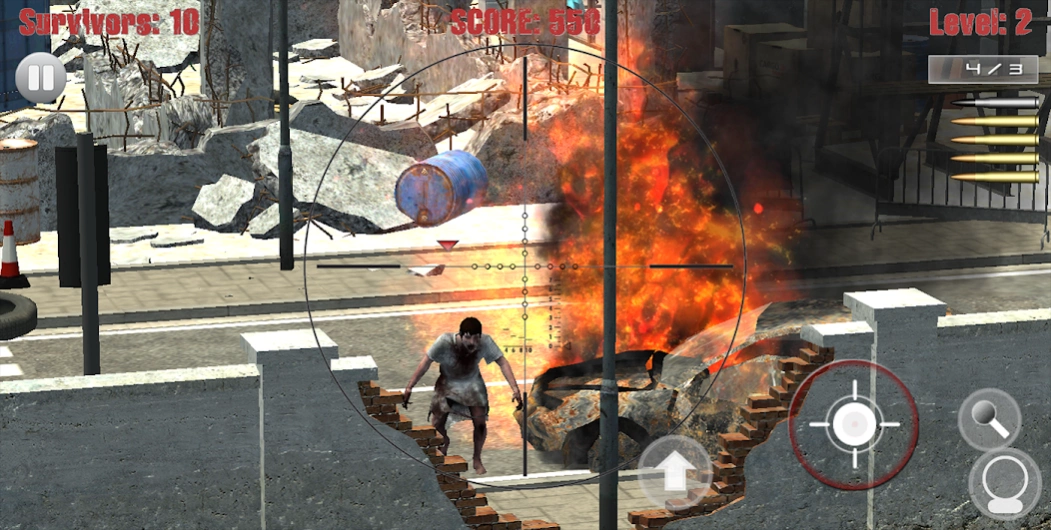
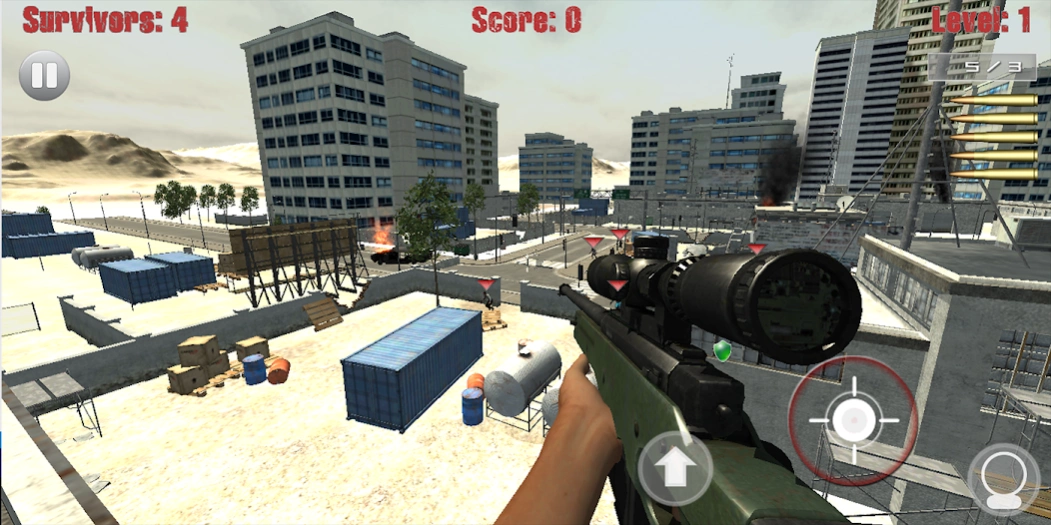
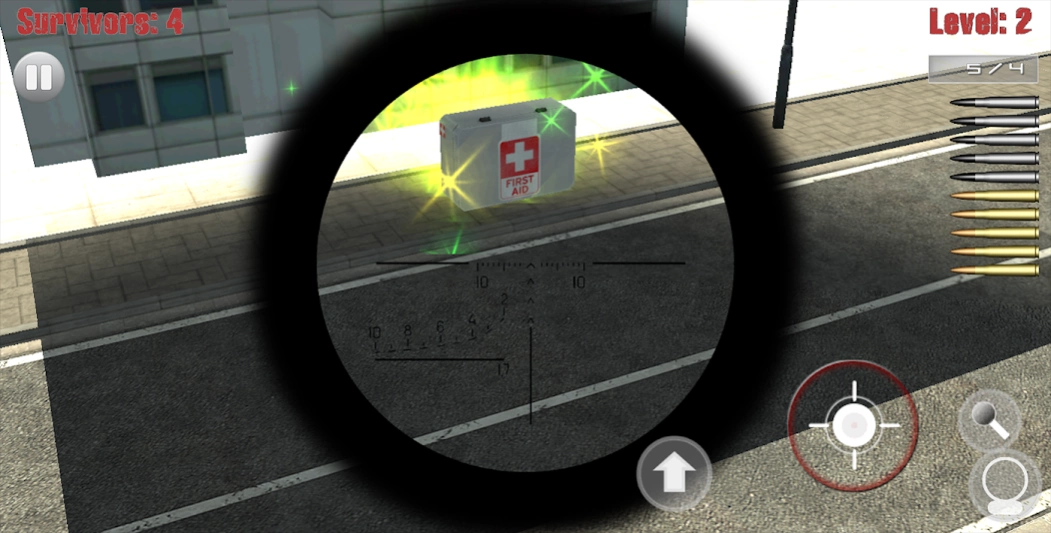
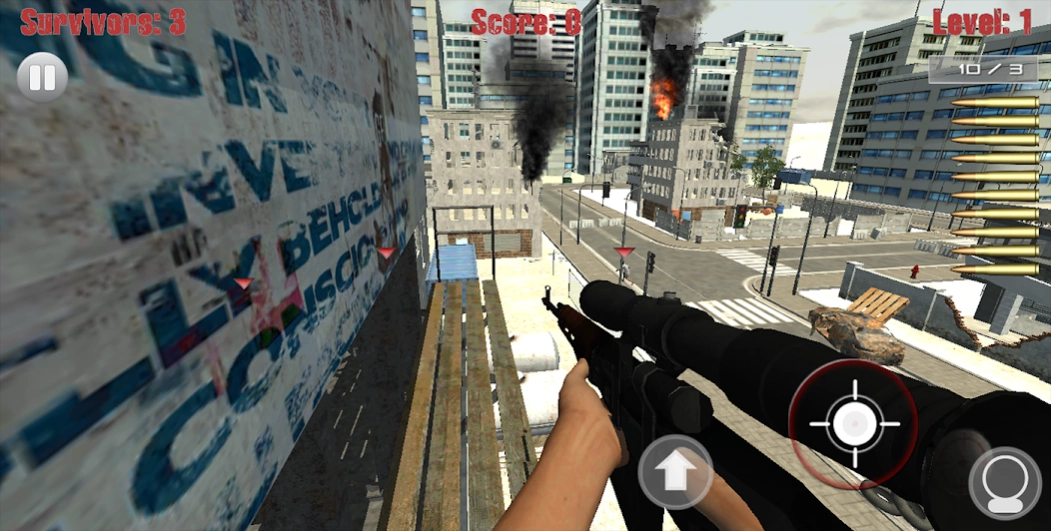
Challenge your sniper skills in the ultimate new mobile first person sniper game
Sniper Shooter - Zombie Vision is the ultimate offline playable mobile sniper shooter game with the free movement of a first person shooter. Your job is to protect the area by sniping zombies before they enter the areas the survivors are taking cover. Challenge yourself to see how many zombie kills and head shots you can obtain, or how far of a shot you can pull off.
Some Game Features Include:
★ Earn points by killing zombies, getting head shots, long distance shots, and consecutive zombie kills.
★ Utilize points to unlock new areas and sniper shooter guns.
★ Access to TapJoy to earn extra free points.
★ Day and night time play. See if you can survive through nightfall.
★ FPS Movement and Controls.
★ Various quality levels with stunning visuals.
★ Stats are kept for each area, so you can challenge your high scores.
★ Various zombies to kill!
★ Unlike other sniper shooters, this one gives you free movement.
★ It's Free! Play it Now!
★ And much more!
CONTROLS: Use left side of the screen for movement, and right side to aim.
NOTE: The game is set to low quality by default. This, as well as aim sensitivity can be changed in the settings menu on the main screen.
Follow us on Twitter, https://twitter.com/emergingmobil
Follow us on Facebook, https://www.facebook.com/emergingmobile
Privacy Policy: http://www.emerging-mobile.com/mobile-app-privacy-policy
About Sniper Shooter - Offline FPS Z
The company that develops Sniper Shooter - Offline FPS Z is Emerging Mobile LLC. The latest version released by its developer is 1.01.
To install Sniper Shooter - Offline FPS Z on your Android device, just click the green Continue To App button above to start the installation process. The app is listed on our website since 2013-09-23 and was downloaded 0 times. We have already checked if the download link is safe, however for your own protection we recommend that you scan the downloaded app with your antivirus. Your antivirus may detect the Sniper Shooter - Offline FPS Z as malware if the download link to com.emergingmobile.snipersv is broken.
How to install Sniper Shooter - Offline FPS Z on your Android device:
- Click on the Continue To App button on our website. This will redirect you to Google Play.
- Once the Sniper Shooter - Offline FPS Z is shown in the Google Play listing of your Android device, you can start its download and installation. Tap on the Install button located below the search bar and to the right of the app icon.
- A pop-up window with the permissions required by Sniper Shooter - Offline FPS Z will be shown. Click on Accept to continue the process.
- Sniper Shooter - Offline FPS Z will be downloaded onto your device, displaying a progress. Once the download completes, the installation will start and you'll get a notification after the installation is finished.
Program Details
System requirements
Download information
Pricing
Version History
version 1.01
posted on 2013-09-23
Disclaimer
Official Google Play Link
We do not host Sniper Shooter - Offline FPS Z on our servers. We did not scan it for viruses, adware, spyware or other type of malware. This app is hosted by Google and passed their terms and conditions to be listed there. We recommend caution when installing it.
The Google Play link for Sniper Shooter - Offline FPS Z is provided to you by apps112.com without any warranties, representations or guarantees of any kind, so access it at your own risk.
If you have questions regarding this particular app contact the publisher directly. For questions about the functionalities of apps112.com contact us.
